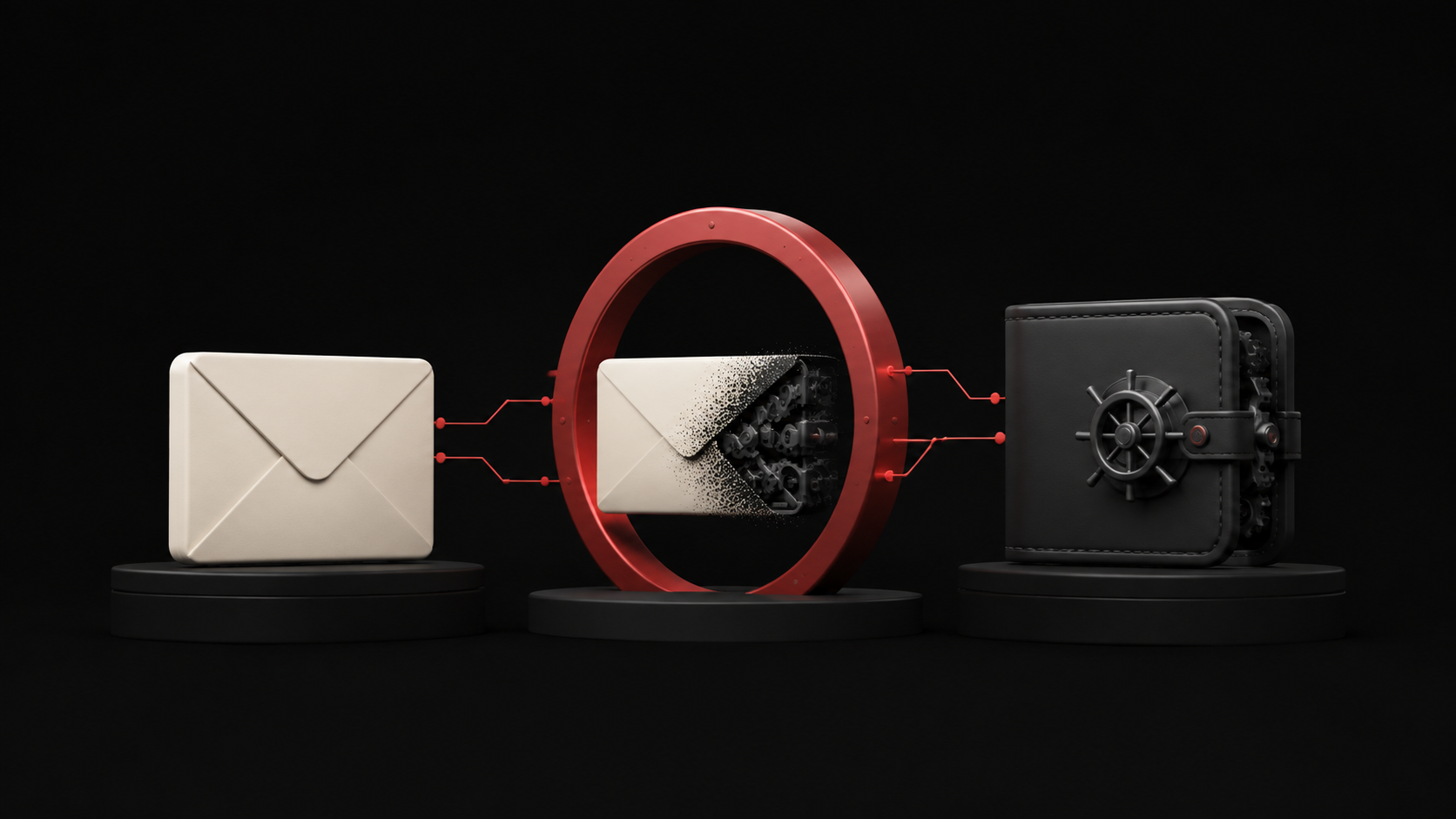

Anatomy of a fake mint page
A drainer will never ask for your seed phrase — asking is what amateurs do. It asks for a signature, and the whole craft is making that signature look like the one you expected.

The mental model most people carry is that getting robbed means giving away your seed phrase. That model is a decade out of date, and it is exactly why the current method works: you are watching a door nobody uses any more.
A modern drainer never asks for a phrase. It asks you to sign something, and everything about the page exists to make that signature look routine.
How the page reaches you
Rarely by search. Usually through a channel you already trust: a compromised project account posting a "surprise mint", a reply under a real announcement, a discord webhook fired from a hijacked bot, a paid ad above the real site, or a direct message about an allowlist spot expiring in ten minutes.
The domain is one character off, or a different suffix, or a real word with a hyphen. It is not meant to survive inspection — it is meant to survive a glance made in a hurry, which is why urgency is always part of the delivery.
The four things it will ask for
Roughly in order of how much they cost you.
1. Connect
Connecting is safe on its own — it grants read access, nothing more. But it hands the site your address, and that is the point: the drainer immediately looks up what you hold and decides which of the following three to ask for.
This is why two people can visit the same page and be shown different prompts.
2. A blanket approval
The classic. setApprovalForAll for an NFT collection, or an unlimited approve for a token, gives another address permission to move those assets whenever it likes. Nothing leaves your wallet at the moment you sign — which is what makes it feel harmless — and the transfer comes later, sometimes days later, when nobody is watching.
Wallets have got much better at flagging these. The flag is worth reading every single time.
3. An off-chain signature
This is the dangerous one, because it costs no gas and therefore triggers none of the caution a transaction does.
A Permit or Permit2 signature grants spending authority by signature alone. A marketplace order signature can authorise selling your best-held item for nothing. Neither appears on-chain when you sign, so nothing looks like it happened at all.
If a "mint" asks you to sign a message rather than send a transaction, stop. A mint is a transaction.
4. A transaction that is not what it says
The button says Mint; the transaction calls something else. Modern wallets simulate and will tell you what is actually about to move. The simulation is the most useful thing on the confirmation screen and the most reliably ignored.
The signals
- Urgency. Real mints announce themselves in advance. "Ends in 10 minutes" is a technique, not a schedule.
- You arrived by clicking. Reaching a mint page from a message rather than from a bookmark or the project's pinned link is the single strongest predictor.
- A signature request for something that should be a transaction. Mints, claims and purchases are transactions.
- The wallet's warning banner. Approval and permit warnings exist because of this exact attack.
- The spender is an address, not a name. Legitimate contracts are usually verified and labelled by the explorer. An unlabelled address with no history should end the session.
- The simulation shows an asset you did not mean to touch. Non-negotiable. Reject.
Habits that make the attack fail
- Mint from a wallet that holds nothing else. A fresh address funded with exactly what the mint costs turns a total loss into a small one. This one habit outperforms every other item on this list.
- Reach mint pages from your own bookmarks. Never from a link, however trusted the source appears — accounts get compromised, and yours is not the judgment being tested.
- Read the wallet screen, not the website. The site is under the attacker's control. The wallet is not.
- Audit approvals on a schedule. Revoke everything you are not actively using. An approval from a project you forgot about is a door left open.
- Keep anything valuable on a hardware wallet that never connects to mint pages. Separate the wallet that explores from the wallet that holds.
If you have already signed
Move first, investigate later. Transfer what is still there to a fresh wallet — revoking an approval takes a transaction that can be outrun by a bot watching your address, so moving the assets is faster and more certain than trying to close the door.
Then revoke, on every chain you use, and treat the compromised address as burned for anything you care about. A signature you cannot see cannot be confirmed as harmless.